Mrs. Muddled
-
Posts
392 -
Joined
-
Last visited
Everything posted by Mrs. Muddled
-

Switching From One Virus Checker To Another
Mrs. Muddled replied to Mrs. Muddled's topic in Security Discussions
Thanks Zac. Do you just run AVG and Zone Alarm or do you also run other security programs? I run Kaspersky and or Trend Micro every so often just to make sure Shaw hasn't missed anything. -
I have decided to uninstall my Shaw Secure virus checker and firewall. I am going to download AVG and Zone Alarm ... and anything else you think is necessary to do the job without choking the life out of my computer! I think I used to use Spybot Search & Destroy too. I also used Lavasoft's Ad-aware before Shaw Secure came out with their BIG program. I know I ran multiple programs that didn't fight with each other. My question is: What is the process? Do I download all the new programs first ... then uninstall Shaw Secure? It's been a long time and I have forgotten the safe way to do stuff.
-
Adding Ram And Switching To Avg & Zone Alarm
Mrs. Muddled replied to Mrs. Muddled's topic in Hardware Corner
Thanks for the replies Zac and Bruce - just spotted your reply Bruce. Yes, the machine crashes regularly now. I am finding that far too often it locks up when I'm least expecting it ... and I have to resort to turning the power bar on and off ... which I don't like to have to do. Do you have a comment on the adding of more RAM? Do you think I should dump the two 256 MB cards and get three 512 MB? Or is that overkill. Did you see the screenshots? The computer can handle 1536 MB. I haven't been down to any of the local computer shops to check prices, but I would imagine it would be over $200.00 for two 512 MB upgrades. While I've got your attention - how necessary is it for me to buy one of those ground wrist things? I've opened up the tower before without killing myself. I added the last upgrade by myself (insert loud cheering and applause here ) -
Hi guys! My computer is running really slow. I've only got 512 MB in it. It's a Gateway E-3600 series desktop PC. It came with 256 MB RAM and I added another one. I still have one empty slot. I don't even have high speed USB ports and the New Passport portable hard drive I bought takes HOURS to back up stuff like photos. I have a ton of photos on the computer ... all are already backed up on to CD's and stick drives of various sizes. I've run a Crucial on it and I'll post a couple of screen shots so you can see the option they are suggesting. I just have a 32 bit version of Windows. I could just go buy a new computer with all the bells and whistles - this one must be about 4 -5 years old - I've forgotten. Before I do something this drastic I am considering this option: I use Shaw Secure because it's free with my cable hook up. It's a huge memory hog. I am seriously considering dumping it and going back to something simple like AVG and Zone Alarm. They both worked like a charm before I got cable. They are both considered to be good protection from everything I've read and they are not constantly hogging the machine. I have to admit I'm a little nervous at the thought of dumping Shaw. I'd appreciate your thoughts. Regards,

-
Would seem like it should be easy. Wasn't. They were soundly rejected by the album pages. Anyhoo, album is pretty much done now and I'm pleased with it. MM
-
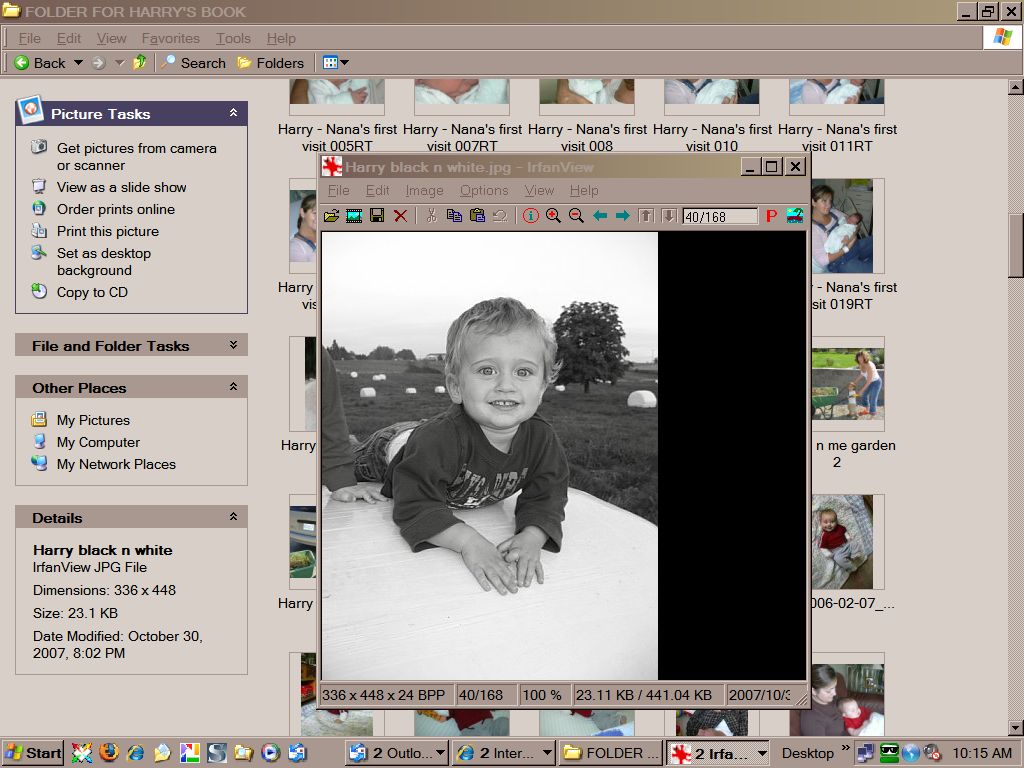
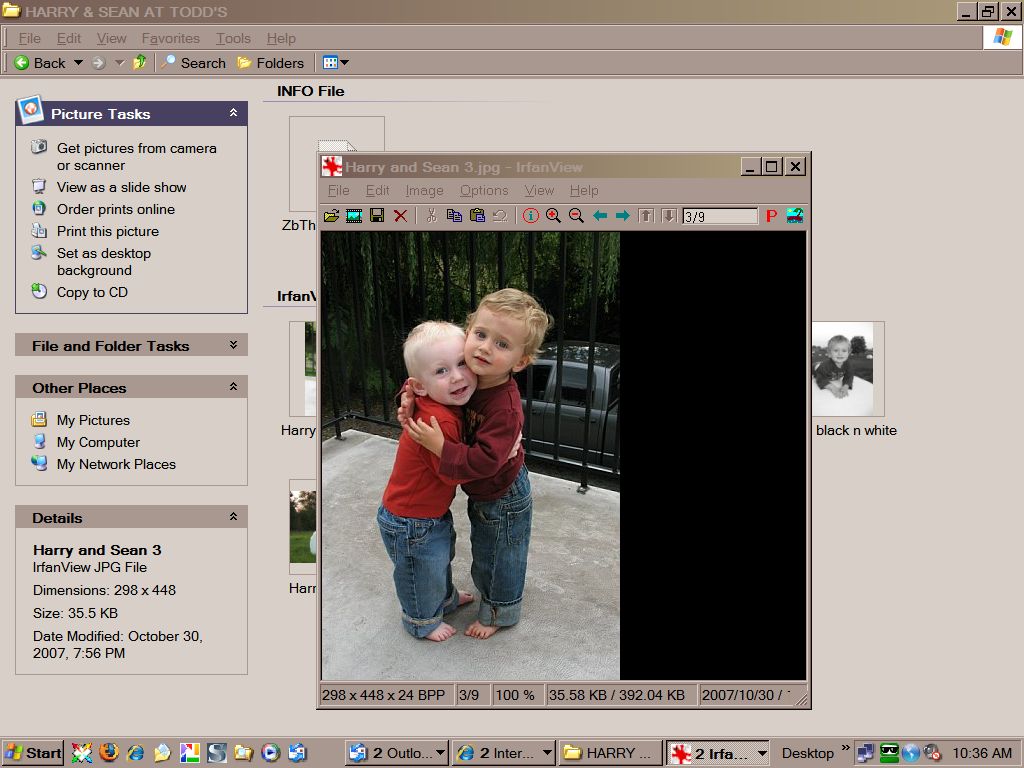
As you can see, when I would click on these photos to open them, instead of opening just the photo, it would open what you see in the screen shot. I'm thinking it has something to do with the way the photos were sent to me via email. These two photos were on Shutterfly. When I tried to work with them I discovered they were such low resolution that I couldn't do anything with them, even on Shutterfly. The photographer was not able to find the original digital photos. The folks at Bookdesigner website actually did something with the pictures on Photoshop and fixed them for me so that I was able to add them to my album. Thanks for trying to help. I realized after I posted that no one was going to have a clue what I was blathering on about! Cheers!
-
A friend has sent me several photographs. I want to add these photographs to an online baby album I am making. When I try to add these .jpg pictures to the album, instead of opening like all my other pictures - they automatically open in an Irfanview frame and my album program doesn't recognize the photos and will not let me drag and drop them. My friend does not know how to send the photos as simple files - I have no idea what she's doing. It's probably very obvious to someone "out there" how I get my photos out of the Irfanview program and into MY PICTURES folder as simple .jpg files. I can't figure out how to do it. I KNOW I'm going to be really embarrassed when you tell me what to do - but that's pretty much why I keep returning to this forum - it keeps me humble.
-
Need To Start A Cd Setting Up Program - How?
Mrs. Muddled replied to Mrs. Muddled's topic in Software Talk
Dear Bob: Thanks so much for your efforts on my behalf. I appreciate it so much. I finally seem to have solved ... at least one of my problems. IE had stopped working on my side of the computer. It was still happily functioning on my husband's side of the computer. I think I may have caused the problem when I started using Google Desktop. Who knows? Not sure. I so seldom use IE. So, after spending hours pouring over various sites, I finally found myself back on the Microsoft site and I went ahead and reloaded my IE to the original default setting. It works ... so far. I still am not having any luck with my movies on my Microsoft Picture it Publishing. Not sure when that part of the program stopped working, because I never use the help file movies. I think you are right that it is likely something to do with incompatibility since I downloaded IE 7 ... or something like that. I HATE it when I can't figure something out!!! -
Need To Start A Cd Setting Up Program - How?
Mrs. Muddled replied to Mrs. Muddled's topic in Software Talk
I can't get IE to open to do that. Since Madman suggested I switch to IE from Firefox to see if it might be a compatibility problem, I have discovered that the IE browser will not open. I've searched the net and it would appear that I'm not alone with this problem ... same as I'm not alone with the fact that several days of the week Microsoft sends me the apology that they've had to shut down. It is their problem that unfortunately has become a problem for many of us. -
Need To Start A Cd Setting Up Program - How?
Mrs. Muddled replied to Mrs. Muddled's topic in Software Talk
. . . o . . . kay . . . so . . . um . . . now I'm thinking I haven't painted the right picture of what's happening. When I said I can access my personal website from my desktop ... I meant I have a list of shortcuts on my desktop that will allow me to go direct to my website ... and it is apparent that IE is making the connection because I can see it in the address bar. Same when I use Roboform to access your site. IE still cannot be accessed from my QUICK START or from MY PROGRAMS. That's what I need to fix. -
Need To Start A Cd Setting Up Program - How?
Mrs. Muddled replied to Mrs. Muddled's topic in Software Talk
I can access my website from my desktop icons and the little IE icon appears up in the address bar. It is also apparent that I access TCH (via Roboform) through IE also. I have the icon appearing showing I'm connecting to you via IE. -
Need To Start A Cd Setting Up Program - How?
Mrs. Muddled replied to Mrs. Muddled's topic in Software Talk
http://img.photobucket.com/albums/v239/Nan...internetjpg.jpg This is what I'm getting. -
Need To Start A Cd Setting Up Program - How?
Mrs. Muddled replied to Mrs. Muddled's topic in Software Talk
can't connect with IE Should I do this? -
Need To Start A Cd Setting Up Program - How?
Mrs. Muddled replied to Mrs. Muddled's topic in Software Talk
So! Before I accept that my program is just like me ... old and no good for nothin' ... I decided to check out your Firefox conflict suggestion. I clicked on Internet Explorer and lo and behold, I can't connect to the internet via IE. I tried from quick start and from my program list. I have no idea why my IE would suddenly have quit functioning, but I figured I'd better check with y'all before I click on the restart IE to original default settings. When I read all the stuff it clears out, it made me hold off. I've made lots of changes to little selection boxes over the years for security reasons ... and I wont have a clue what to alter once it goes back to the original settings. Is there something else I could try before I resort to that? Yes, I've done a re-start. -
I realize you are discussing the subject on a waaaaay deeper level than I am about to ... but, for what it's worth, spam is a non-issue for me, so maybe the solution that works for me will be of use to someone reading the topic. I use Outlook Express. The sole purpose of my INBOX is to hold "stuff" that is from someone who is not already in my address book. A quick glance and I can delete the lot. I have added all the names in my address book to one "OE rule" that automatically re-directs those emails to a specific folder. Obviously this would not be as efficient for those of you who get a ton of emails from "strangers" that you want to read ... but it's still kind of nice to know that that one folder only contains messages from your friends.
-
Need To Start A Cd Setting Up Program - How?
Mrs. Muddled replied to Mrs. Muddled's topic in Software Talk
This is the screen I am talking about: If I click on "Getting started" for example, nothing happens. Why? -
Need To Start A Cd Setting Up Program - How?
Mrs. Muddled replied to Mrs. Muddled's topic in Software Talk
a/m ... means "the above mentioned" program. I forget everyone does not necessarily speak my abbreviated language ;-) by "list" I mean a list in my photo program: When I go to the HELP files there is a list of various little instructional movies MSPP has designed so that, for instance, how to add motion to a picture I am designing .... or in my case, how to insert the missing person's face into a group photo. I should just have to click on the movie I want to view and it should open. Not! I've been pouring over various sites, trying to find information that's helpful. I'm not getting anywhere fast. -
Need To Start A Cd Setting Up Program - How?
Mrs. Muddled replied to Mrs. Muddled's topic in Software Talk
Ya ... I no sooner posted my success than I discovered I still have the problem with the program that I had before I went to the trouble of re-installing it. There are help movies associated to this program that will not run and I can't figure out why. The list comes up ... I click on the movie clip I want and ... nada. I want to add a person to a group photo ... a process I have not done before, and I know there is a good "how to" clip, showing exactly what the process is. Frustrating. -
Need To Start A Cd Setting Up Program - How?
Mrs. Muddled replied to Mrs. Muddled's topic in Software Talk
CANCEL the alert!!! I've solved my problem. -
I'm having a senior's moment. I use the a/m program and like it. I have discovered this evening that "something" is wrong with it. When I try to play a help movie ... nothing happens. So, I dug up what I think is the setup CD (it says Setup, Designs, and Art Disc 1) and I put it in the E drive and tried to run it. It just tells me to restart the computer and run the setup CD. So ... I'm not getting anywhere. It's been years since I went into Start - run ... to make a CD work that I've forgotten what I'm supposed to type once I'm in START run to make the CD work.
-
Thanks for the tip. AVG is a great program. Used it for many years. Always did the job well. Shaw does a good job for us now. They are our cable company. I like dealing with them. This is a glitch associated to "my" desktop, that's all. I'm not concerned about a virus getting in ... it's just that we make a habit of running any attachment we feel is safe to open, through the virus checker a second time before viewing it. Probably redundant ... but, I just wont be opening attachments on my side of the computer til it's functioning again.
-
So. I called the Shaw Secure guys. We fiddled around with it to no avail. The tech checked further and apparently this is a "known issue." He says I can either reinstall Shaw now (which is a bother) or just wait until there is an update. Thanks again for your attention.
-
Huh???
-
Hi guys! Thanks for the birthday wishes. When I get an attachment in an email that I want to view I always save it to my desktop then right click on it and run my virus checker through it before I open it. So does my husband. Well, all of a sudden that process is not working on my side of the computer. It still works from his desktop. Hmm? How come?
-
Thanks Dick! I've forwarded your message on.